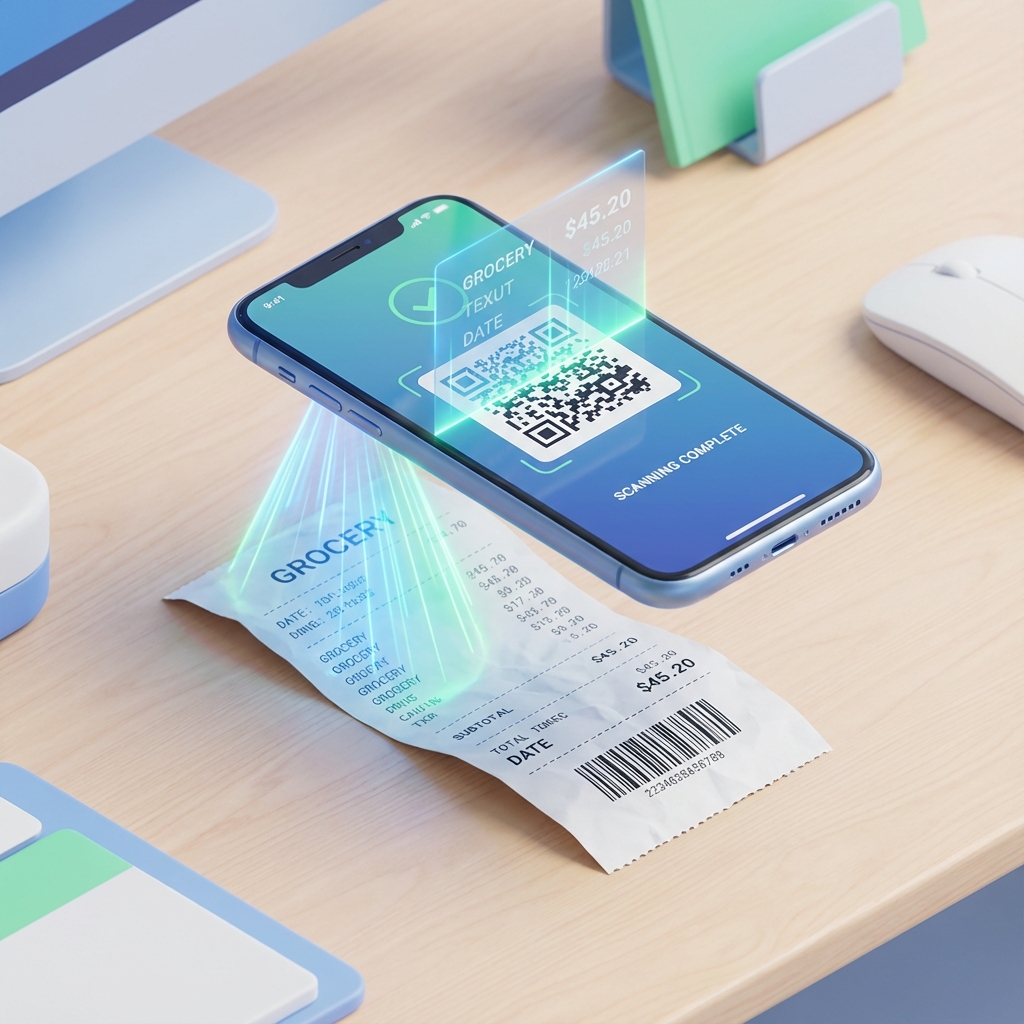
Scan Receipts to Excel / CSV
If you live in spreadsheets, FlickAI helps you move from paper receipts to clean, structured expense data — fast.
How it works
- Scan a receipt.
- Review the extracted merchant, date, totals, and items.
- Export your expenses to a spreadsheet-friendly format.
- Share with your accountant or import into your workflow.
Best for
- Freelancers and contractors tracking deductions.
- Small teams that want spreadsheet control.
- Anyone replacing manual receipt entry.
FAQ
Can I export to Excel?
You can export data in spreadsheet-friendly formats (such as CSV) that open in Excel.
Does it work offline?
You can scan and track offline, then sync later.
Is it free to start?
Yes — FlickAI is free to start.
Related